On this page8 sections
To run EMDR over telehealth, you set up three things: the video call, visual and audio stimulation, and tactile stimulation if you use it. The first two are easy. Tactile is the hard part, because the vibration has to happen on the client's side.
This guide covers each one in the order you set it up, then walks through a session step by step. Your EMDR protocol stays the same throughout.
The video call: keep the platform you use
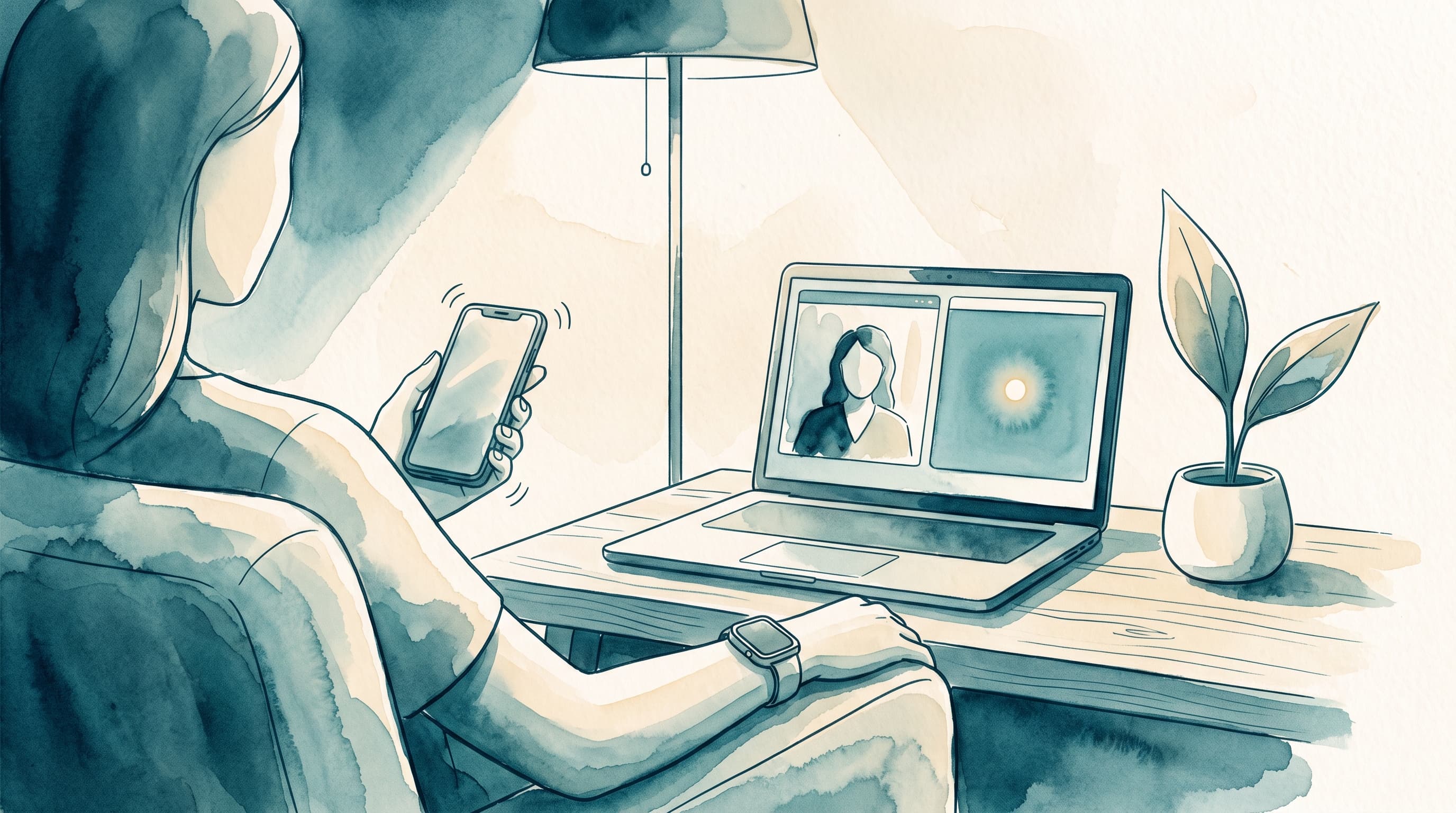
You do not need a new video platform for EMDR. The EMDR Tappers app runs beside the call you already use, whether that is Zoom, Doxy.me or SimplePractice. The call stays in one window, and the stimulation opens in another from its own link.
Some EMDR platforms have video built in, so the call and the stimulation share one window. That is convenient, but it does not solve tactile. The client still needs something on their side that vibrates, and that is where tools differ most.
Visual and audio: the easy part
Visual and audio stimulation are easy to deliver at a distance. The client follows a moving dot on their screen, or listens to alternating tones through headphones. You set the speed and type from your own screen, and each change reaches the client in real time. In the EMDR Tappers app, both are free.
Tactile: the hard part over telehealth
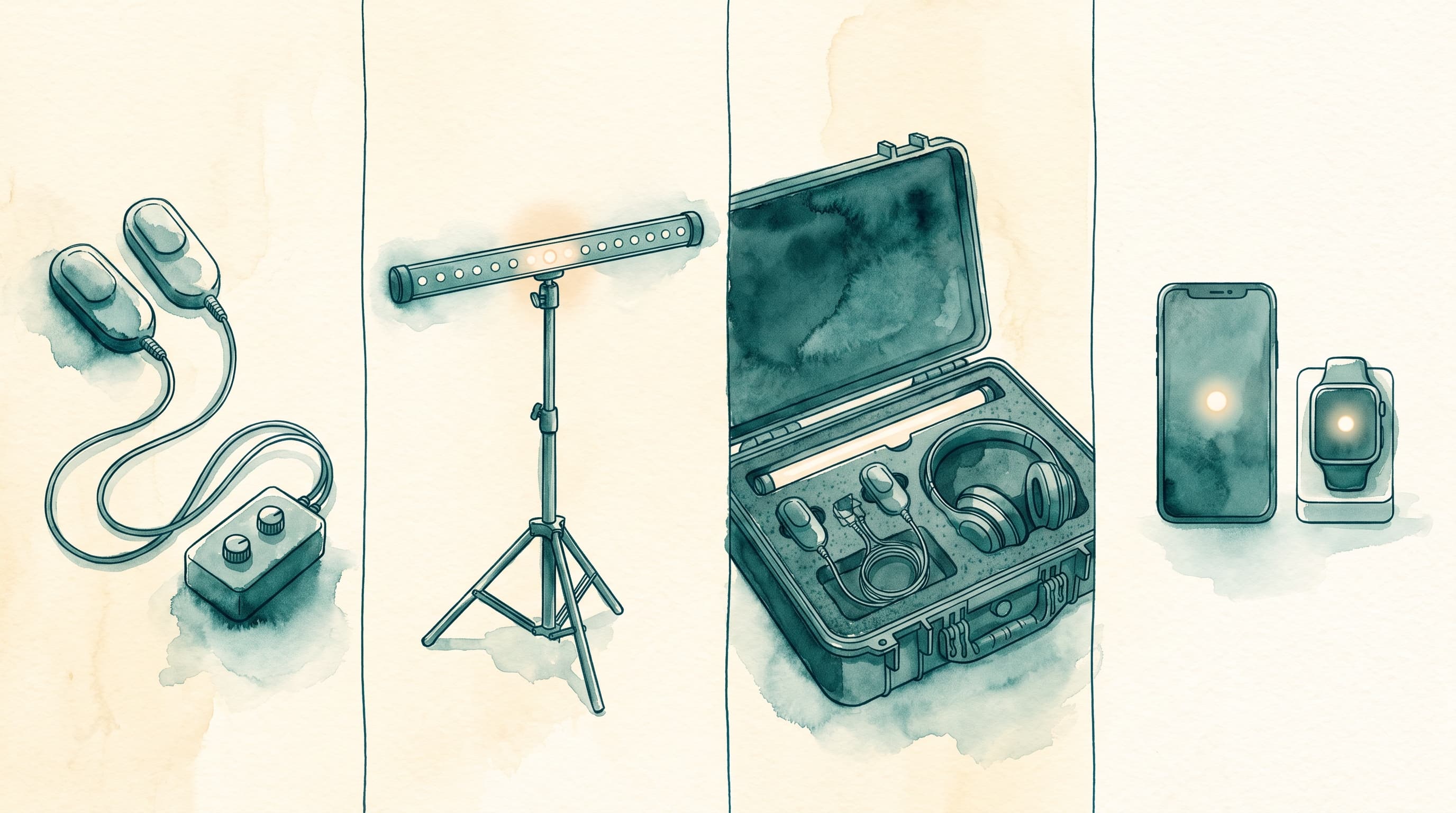
In the office, you can hand the client a pair of tappers. Over telehealth, the device that vibrates has to be with the client. Some telehealth tools leave tactile out. Doxy.me's help center, for example, describes its EMDR tool with visual and audio stimulation and does not mention tactile. Tools that do offer tactile get it to the client in one of two ways.
The older way: tappers or buzzers at the client's home
Each remote client needs their own tappers or buzzers, bought and delivered before tactile can start. According to their websites, remotEMDR works with third-party Bluetooth tappers, BilateralBase sells its own Tactile Tappers, and bilateralstimulation.io sells USB buzzers that plug into a laptop or desktop.
Platform-sold units cost $129 to $249. Our guide to what EMDR buzzers, pulsers and tappers cost has the details, with prices checked on the vendors' own websites in September 2026.
The new way: the client's own phone and Apple Watch
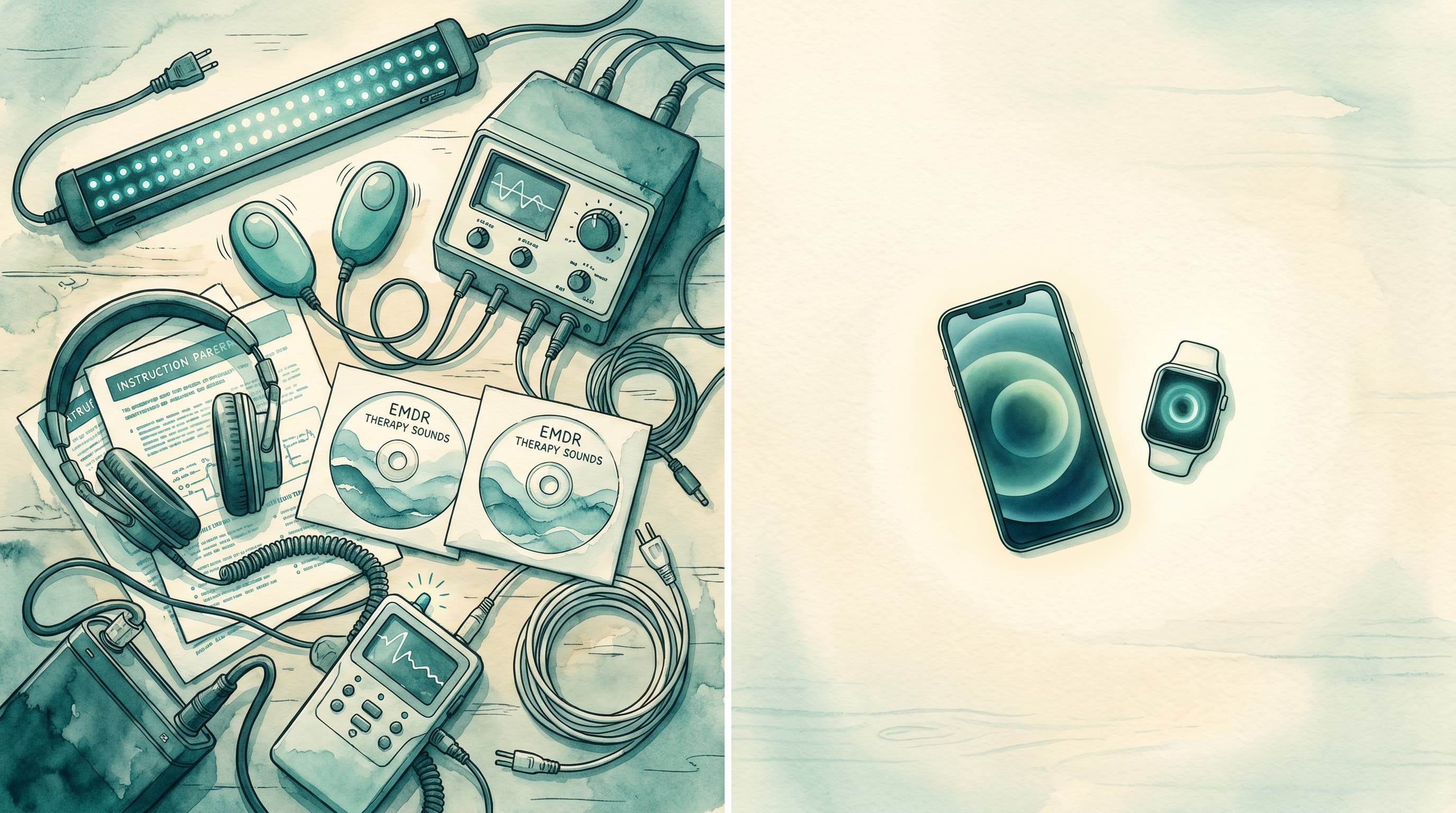
The EMDR Tappers app turns the client's own phones and Apple Watches into tappers. A device on each side vibrates in turn, at the pace you set from your screen. There is no hardware to buy, ship or wait for.
Two devices taking turns give the same left-right input as a pair of tappers. As our guide to how bilateral stimulation works explains, what seems to matter is the back-and-forth rhythm itself.
| Hardware | The EMDR Tappers app | |
|---|---|---|
| What the client uses | A device bought for EMDR | Their own phones or Apple Watch |
| Cost | $129 to $249 for platform-sold units | Free |
| Before the first session | Buy it and get it to the client | The client installs the free app |
| Works with | Some need a laptop or desktop USB port | iPhone, Android and Apple Watch |
In the EMDR Tappers app, vibration is part of the free tier. The app is also HIPAA-compliant. Left-right vibration needs two of the client's devices: two phones, two Apple Watches, or one of each. A client can connect up to three devices in one session, for example a computer for visual plus two devices for vibration.
If a client has only one device, or you prefer dedicated tappers, hardware still works. How physical and digital bilateral stimulation compare covers that choice in more depth.
How to run a session with the EMDR Tappers app
- Start your video call as usual. Use Zoom, Doxy.me, SimplePractice or whatever you already use.
- Open the EMDR Tappers app and create a session. Use the web app at app.emdrtappers.com or the mobile app, and pick a stimulation type.
- Send the client the session link. Text, email or any messaging app will do.
- The client opens the link. On a computer, it opens in the browser with nothing to install. On a phone, it leads to the free app in the App Store or Google Play.
- The client connects devices for vibration. They create a free account and connect two devices, such as a phone and an Apple Watch, one for each side.
- Run the sets from your screen. Change speed, color and other settings as you go. Each change reaches the client's devices in real time, while you keep talking on the call.
On a computer, the call and the session can sit side by side.
Try it with your next telehealth client: open the EMDR Tappers web app and start a free session.
Frequently asked questions
Can EMDR be done through telehealth?
Yes. A 2023 systematic review in Frontiers in Psychiatry, covering 16 studies and 1,231 participants, found online EMDR to be a feasible and potentially effective option. It looked at EMDR delivered by therapists, not self-guided apps. One of the studies it covered found no significant difference in PTSD outcomes between online and in-person EMDR.
Is there a free online tool for EMDR that therapists can use?
Yes. The EMDR Tappers app has a free tier with visual, audio and vibration, plus real-time sync with the client's devices. The vibration runs on the client's own phone or Apple Watch, so tactile needs no extra hardware. There is no trial and no ads.
Is EMDR effective over Zoom?
Research on online EMDR says it can be. A 2023 review found it feasible and potentially effective when a therapist delivers it. Over Zoom, the call carries the conversation and a bilateral stimulation tool delivers the sets. You run the protocol on the call and pace the stimulation from your own screen.
Is there a virtual EMDR app available?
Yes. An EMDR app delivers the bilateral stimulation part of a session, and you run the therapy beside it. Some run in the browser, some come with their own video, and some have native apps. EMDR Tappers has native apps for iPhone, Android and Apple Watch, plus a web app. It turns the client's own phone and Apple Watch into tappers, and works alongside your video platform.
What is the best online platform for EMDR?
It depends on how you want tactile to reach the client. If you want vibration on the client's own phone or Apple Watch, with no hardware to buy or ship, the EMDR Tappers app is our pick. It runs beside the video platform you already use. If you want video and stimulation in one window, a platform with video built in fits. To compare apps one by one, see our guide to EMDR apps for therapists.
Do clients need special hardware for tactile stimulation over telehealth?
Not with the EMDR Tappers app. The client's own phone and Apple Watch become the vibration devices, so there is nothing to buy or ship if they already have two of them. Left-right vibration needs two phones, two Apple Watches, or one of each. Platforms built around tappers or buzzers need that device at the client's home.
Is EMDR Tappers HIPAA-compliant for telehealth?
Yes. EMDR Tappers is HIPAA-compliant. A Business Associate Agreement is included with every therapist account at no cost. The app handles the bilateral stimulation, and your video call stays on the platform you already use, so your setup for the call does not change.
The short answer
To run EMDR over telehealth, keep the video platform you already use and add a stimulation tool you control. Visual and audio work in any of the tools named here. Tactile is where they differ. Hardware has to be bought and delivered to each client. The EMDR Tappers app uses the phones and Apple Watches clients already own, so there is nothing to buy or ship.
Start a free session in the EMDR Tappers web app and try it with your next telehealth client. To see what else the app offers therapists, visit EMDR Tappers for therapists.
This article is for educational purposes. It is not medical advice. Clinical decisions about EMDR therapy and bilateral stimulation tools should be made by licensed therapists in the context of their practice. Details about other products are as their own websites describe them and may change.